03 / Fabrication Build
Steel and Wood Table
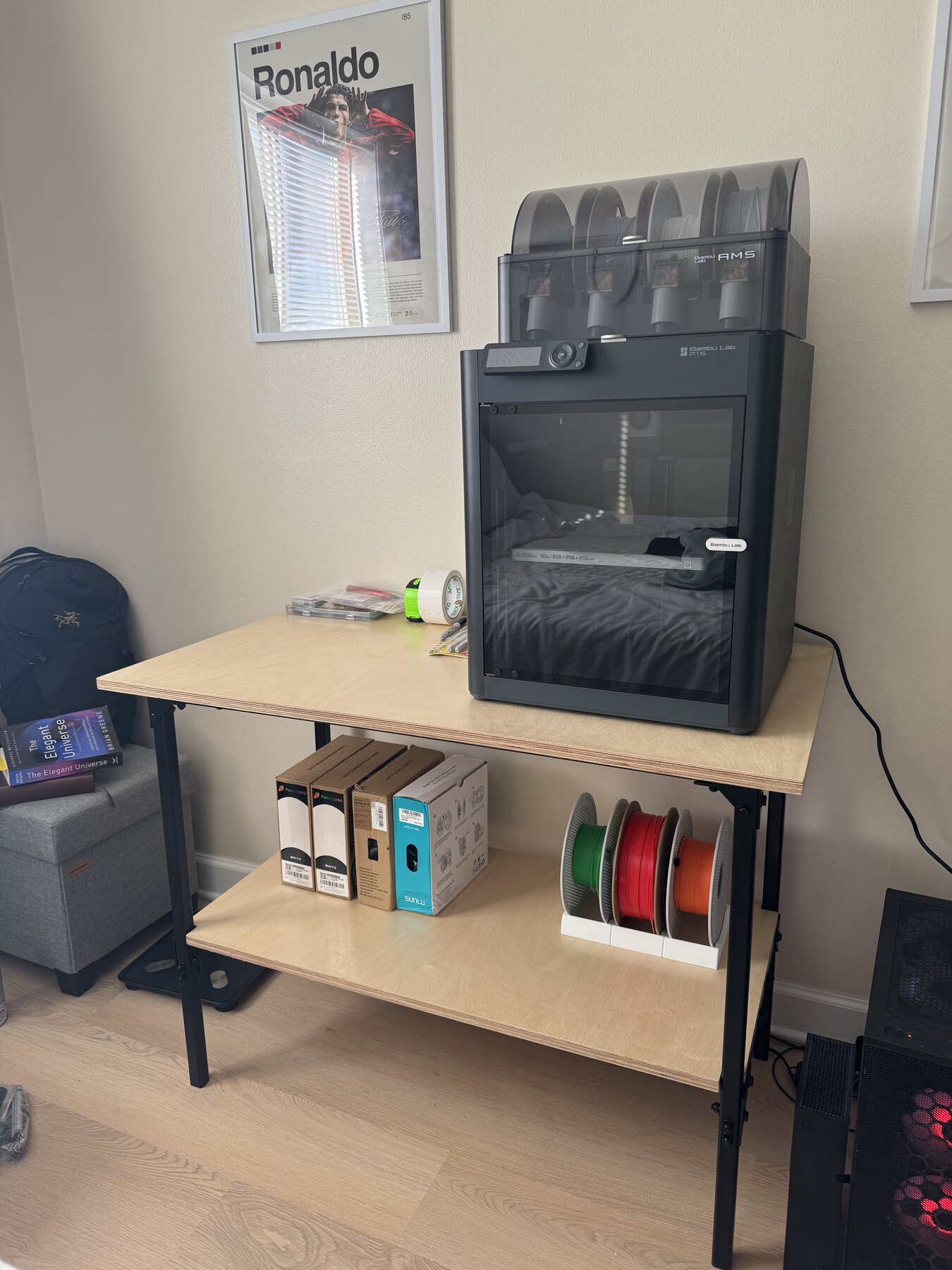
A custom table project documented from first fabrication steps through the finished piece. I reorganized the photos into a cleaner visual story so the project feels like a build log instead of a loose image dump.
Click any image to open the full-screen viewer, then use the arrows or keyboard to move through the project one step at a time.
Project Story
This page is now set up like a case study gallery instead of placeholder boxes. The photos are organized in sequence so the viewer can quickly understand how the table came together, from early shop progress to the final finished result.
The larger tiles create rhythm across the page, and the lightbox gives the project a much better presentation on both desktop and mobile when someone wants to inspect each image up close.
What This Gallery Shows
The captions stay intentionally simple so they support the images without guessing at fabrication details that are better shown visually.
- Sequential build progress across the full photo set.
- Large featured images mixed with smaller supporting shots.
- Full-screen browsing with arrow buttons, keyboard controls, and tap-friendly buttons.
- Web-safe JPEG exports so the gallery works reliably in browsers.
Build Gallery
Open Any Shot
These images were converted from HEIC to optimized JPEGs and laid out to feel more editorial. The first few larger cards help anchor the page, and the rest of the set stays easy to browse.
Want to walk through the project like a slideshow instead? Start from the first image and use the arrow keys to move all the way through the build.